Engineering Guides
OCSF Without the Parsers: How Grepr AI Maps New Log Sources and Catches Schema Drift
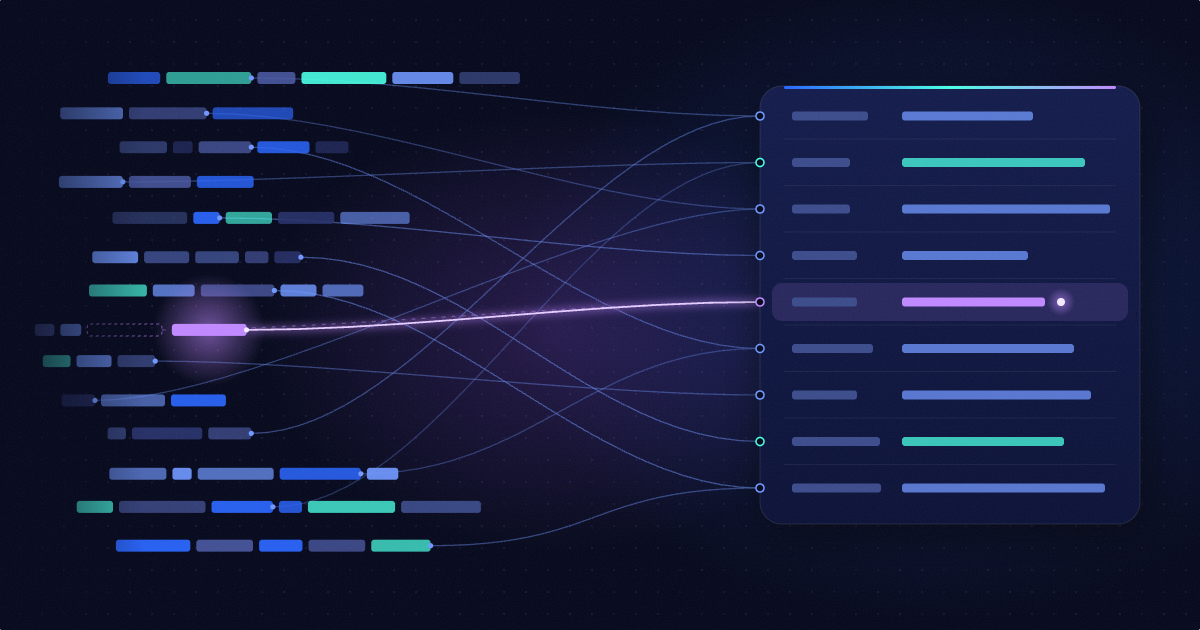


Grepr knows every unique pattern in your logs, and Grepr AI maps new log patterns to OCSF, repairs the mapping when a source changes, and tells you exactly what changed. No need to write parsers, and your original data is kept intact.
Learn how it works by watching this demo video.
Security tools work best with clean, consistent data, but log sources rarely provide it: sshd writes free text, your auth gateway writes access logs, and next week a new service shows up with a format nobody has seen. Someone has to write the parser, map it to a schema, and keep it working when the source changes.
OCSF (the Open Cybersecurity Schema Framework) solves the schema half. It's the common format that AWS Security Lake, Splunk, and a growing list of SIEMs understand. Getting your logs into it still takes hand-written parsers and mappings, and nobody tells you when a source changes underneath them.
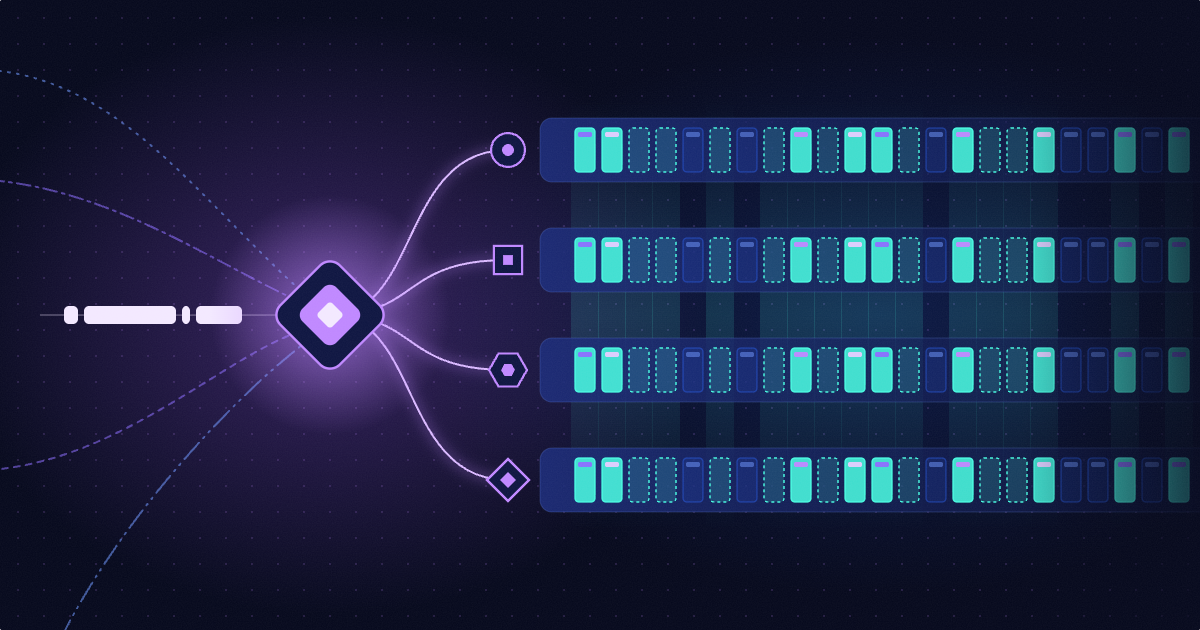
Grepr identifies every unique pattern in your log stream (think of them as unique “fingerprints”). When a new fingerprint appears, or an existing one changes, Grepr turns that into a signal. For security data, two kinds of changes matter most:
Grepr AI identifies both scenarios above by reading the logs in context and deciding which of the following actions to take:
In either scenario, you don’t need to write a rule.
When a new log arrives, Grepr AI initiates the following end-to-end process:
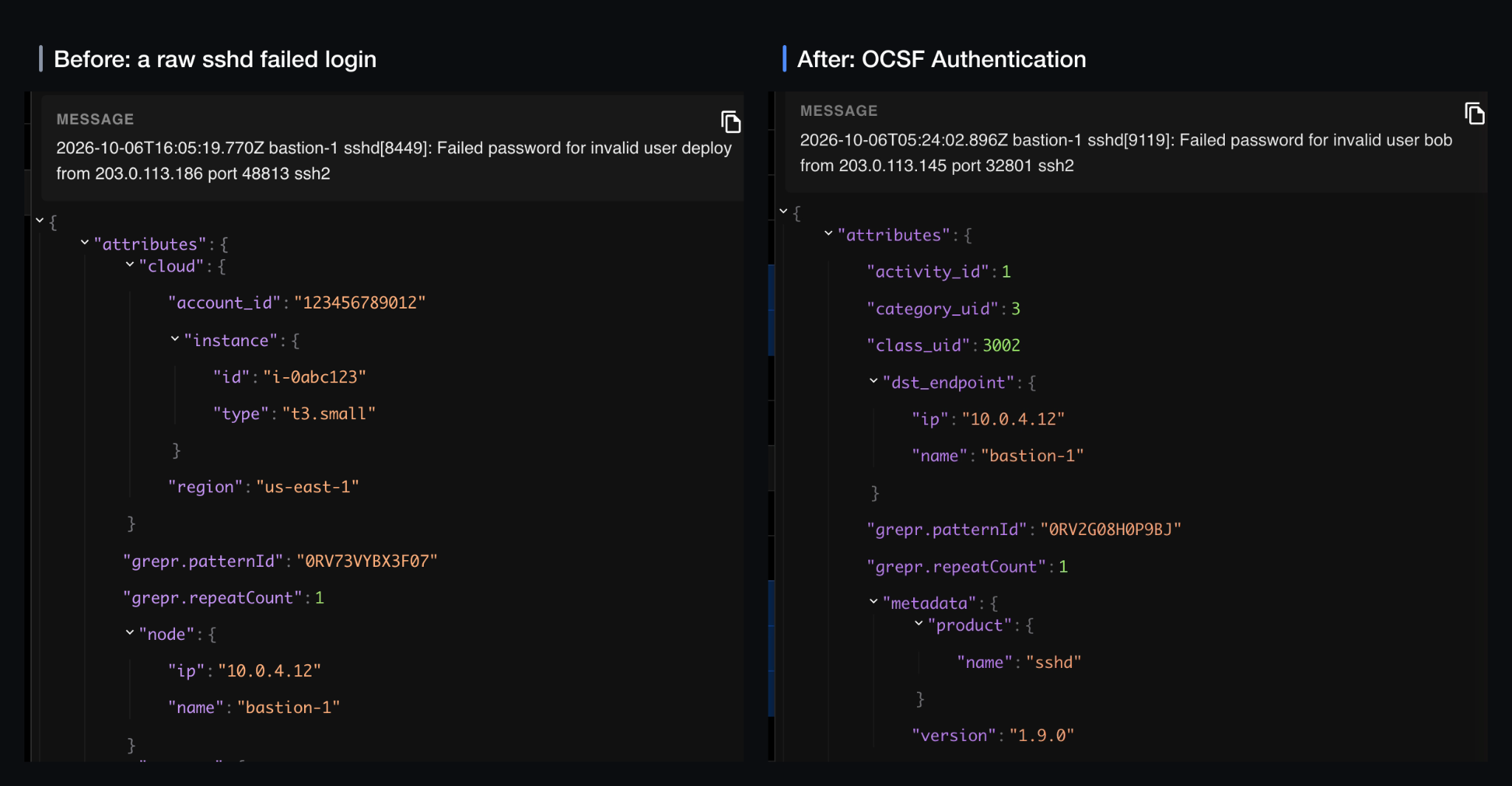
When a new event type, such as ‘user creation’ shows up, Grepr AI adds a mapping within minutes without anyone touching the pipeline. Existing mappings stay exactly as they were.
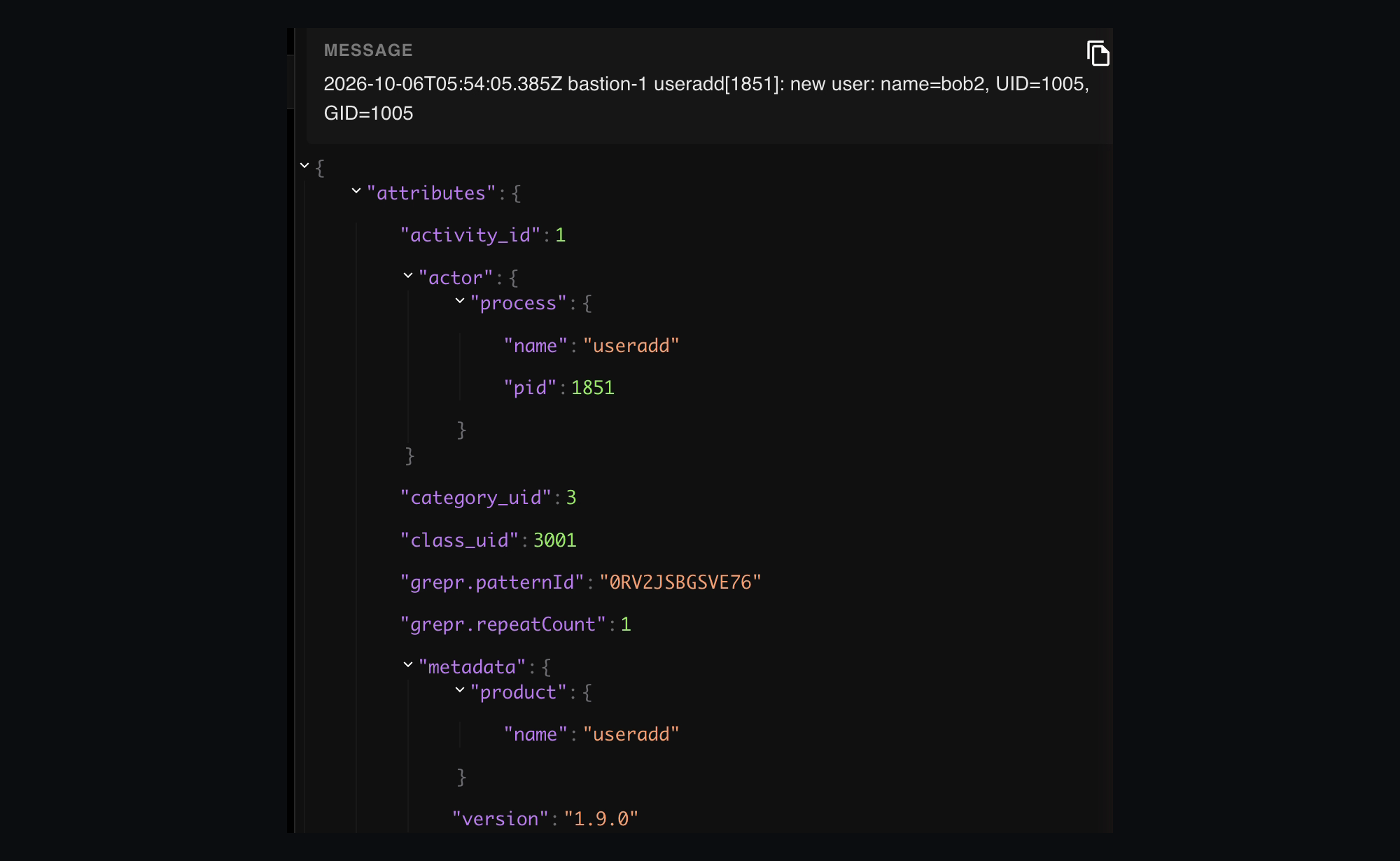
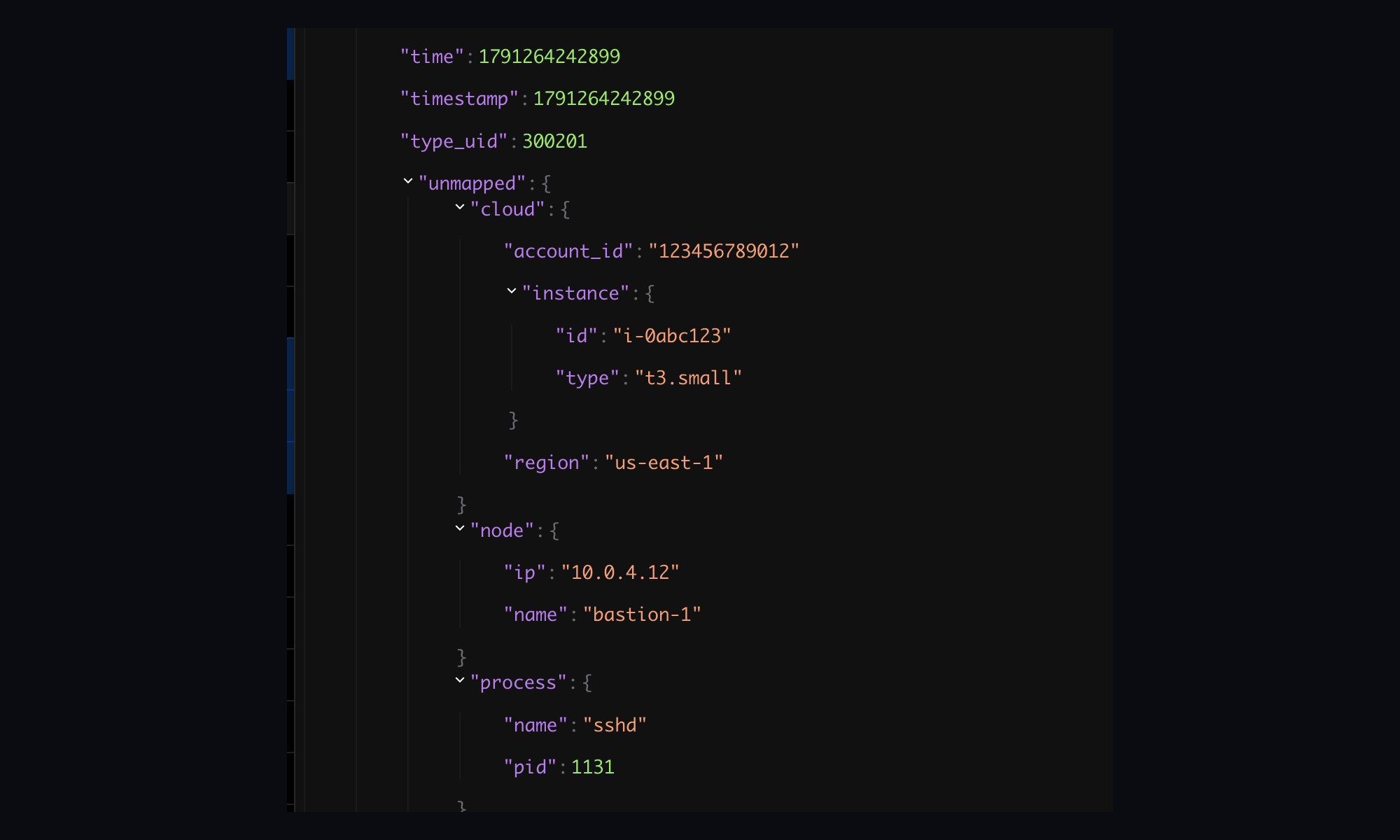
No security team will trust a mapper that throws data away, which is why Grepr enforces the guardrails itself instead of leaving them to the agent's judgment:
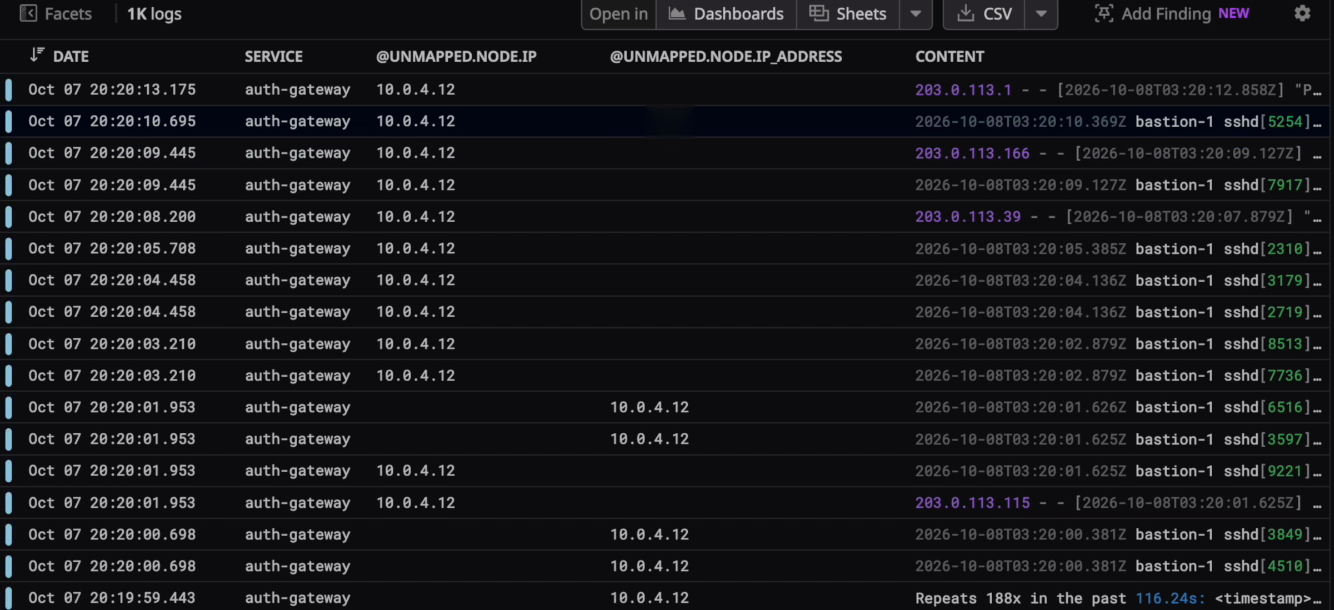
The logs you already rely on change too. A deploy renames a field, drops one, or adds a few, often without any error, and your detections start missing events.
Because Grepr’s Autonomous Telemetry Pipeline tracks the shape of every pattern, that change is a signal too. In our demo, you’ll notice a deploy rename a field in the failed-login log: node.ip becomes node.ip_address. Nothing errors, but the OCSF mapping reads node.ip for the destination IP, so every new failed login would quietly arrive without one. Grepr AI compares the new shape with what the same message looked like before, sees one field disappear and another appear with the same values, and recognizes the rename. It repairs the mapping so the destination IP falls back to the new field: logs that still send node.ip come out exactly as before, and renamed logs get their destination IP back. Then it posts the difference in a Slack message containing the following:

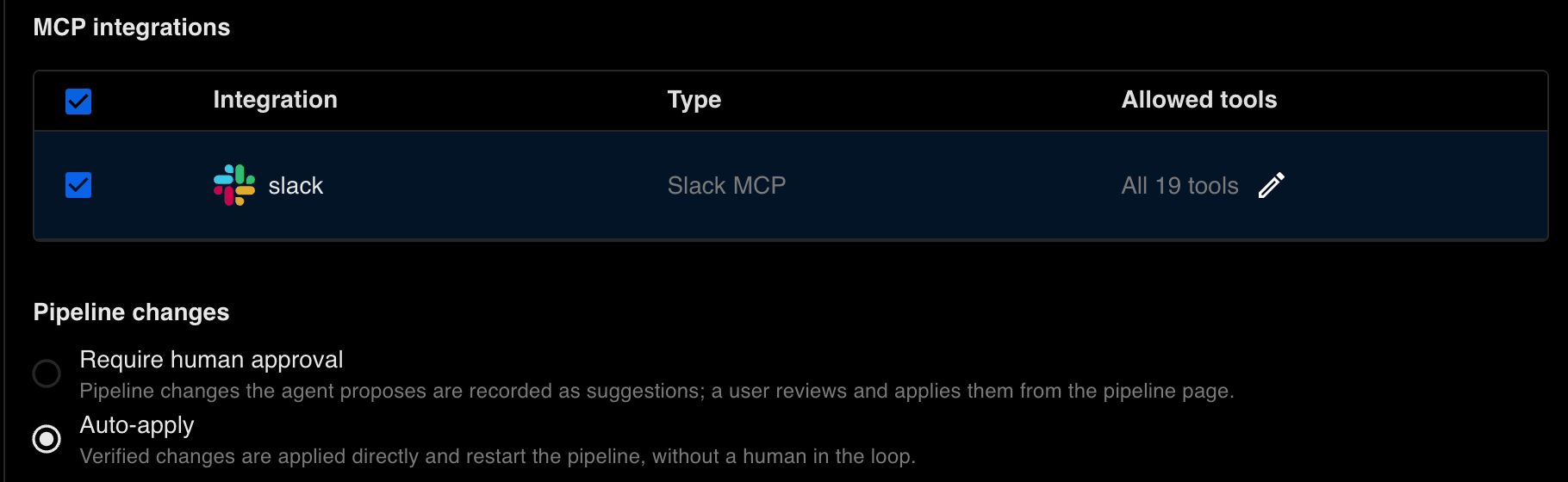
You can configure the Grepr AI agents to take any actions as you please. Our demo instructed the agent to add the fields mentioned above as part of what it posts to Slack.
We’re actively seeking design partners to provide feedback on what we’re building. In exchange, you’ll get to run Grepr AI for free. If you’d like to join the program, reach out to us.
The Open Cybersecurity Schema Framework is an open standard for security events. It gives every kind of event, like an authentication or an account change, a fixed set of fields, so tools such as AWS Security Lake and Splunk can read data from any source the same way.
Grepr’s Autonomous Telemetry Pipeline captures every unique log pattern and its shape. A pattern it has never seen before, or a known pattern whose fields changed, becomes a signal that starts an investigation. You don't write alert rules.
Only if you let it. Each agent has a setting: auto-apply tested changes, or record them as suggestions for a person to review and apply.
Every change starts from your real logs. Before it is applied, it is tested against live traffic in a dry run, and its output is checked against the OCSF schema. Grepr then enforces its own rules on top. Each investigation records its reasoning and steps, so you can review exactly what it did and why.
It depends on how you configure the agent. In the demo it was configured to report the service, the message, when the new shape first appeared, the exact keys added and removed, what it changed in the mapping, a sample log, and a link to the investigation, posted to Slack.